Write better
|
minus the effort.
Paste any job post. Job Genie understands the role, writes a personalised application, and sends it from your own Gmail or Outlook in under 10 seconds.
Free to start · Secure OAuth · No passwords
How it works
From job post to sent email, in 3 steps.
Paste a job post or capture it with the Chrome extension.
Copy from LinkedIn, Indeed, or any job board and paste it in. Or snap a screenshot and the extension extracts the text for you.
Choose your tone. AI writes the application.
Pick Professional, Confident, or Friendly — then Together AI reads the JD and your resume and drafts a personalised cover letter in seconds.
Review and deliver.
Send directly from your Gmail or Outlook — not a no-reply relay. The email comes from you and lands in your Sent folder.
Features
Everything you need to apply faster.
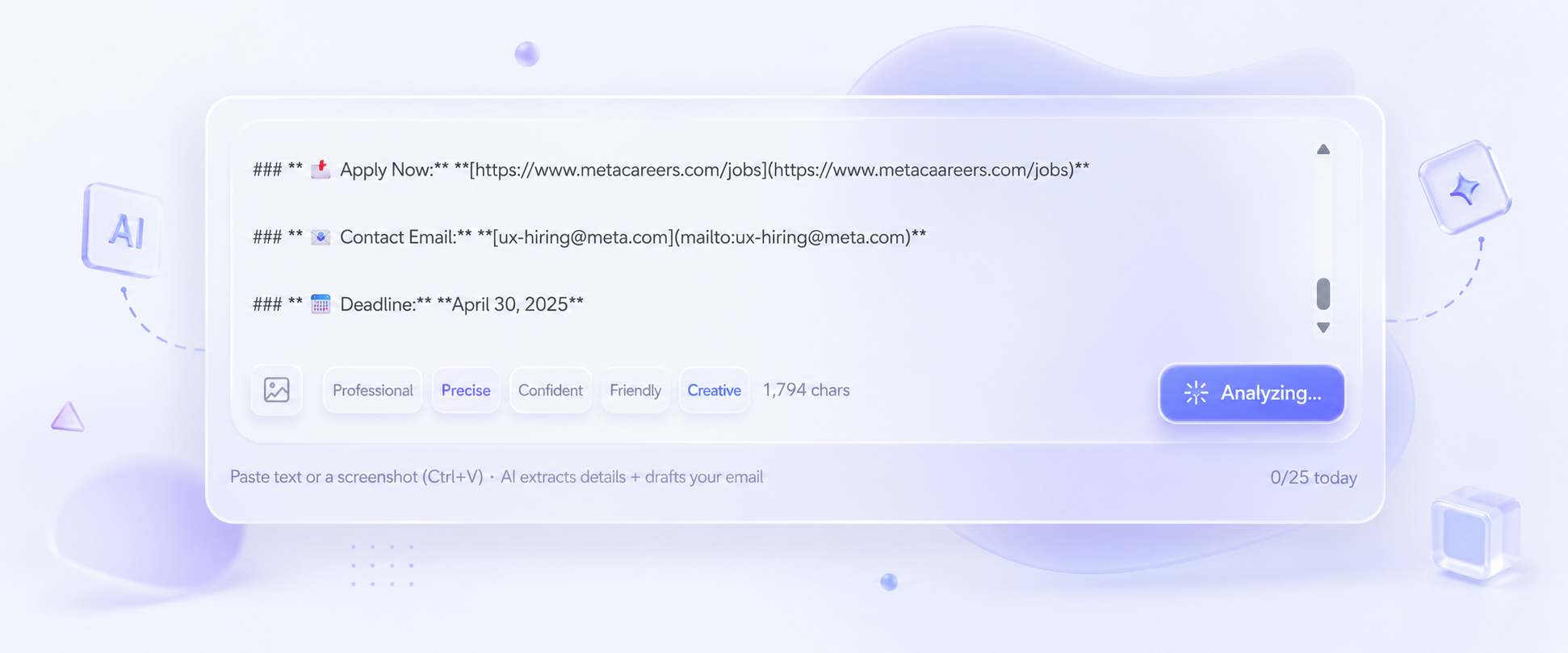
Avg. draft time
From paste to ready-to-send
Capture from any job board
Extension popup — text or screenshot
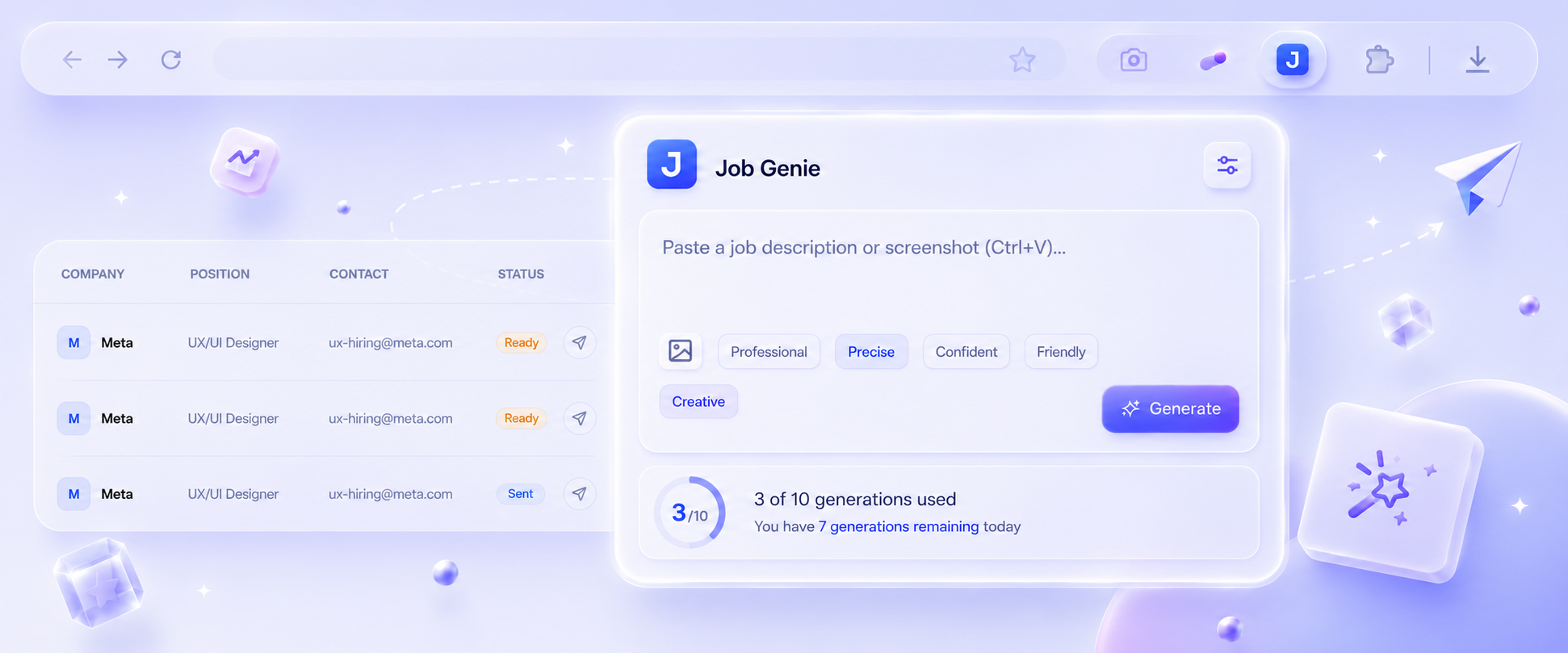

Tone presets
Professional, Confident, Friendly + more
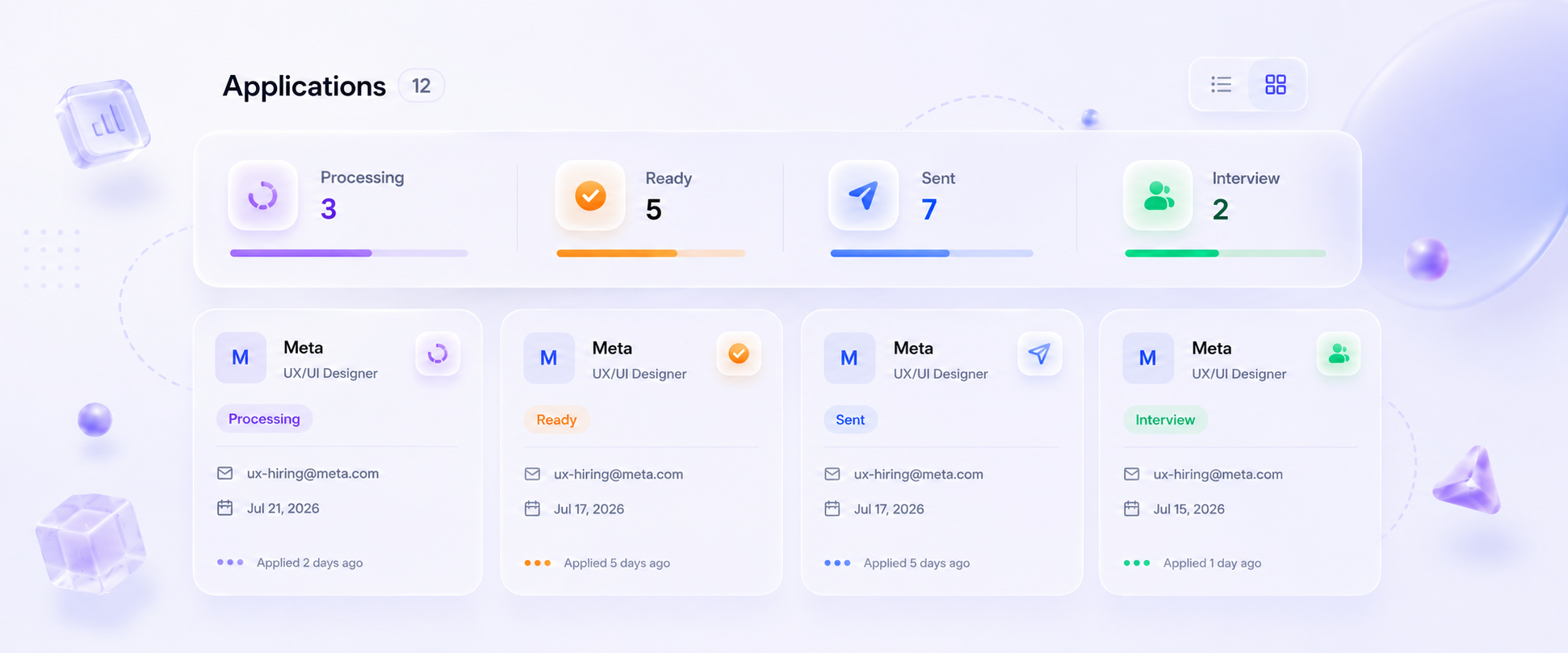
Status stages
Pending → Sent → Interview → Rejected
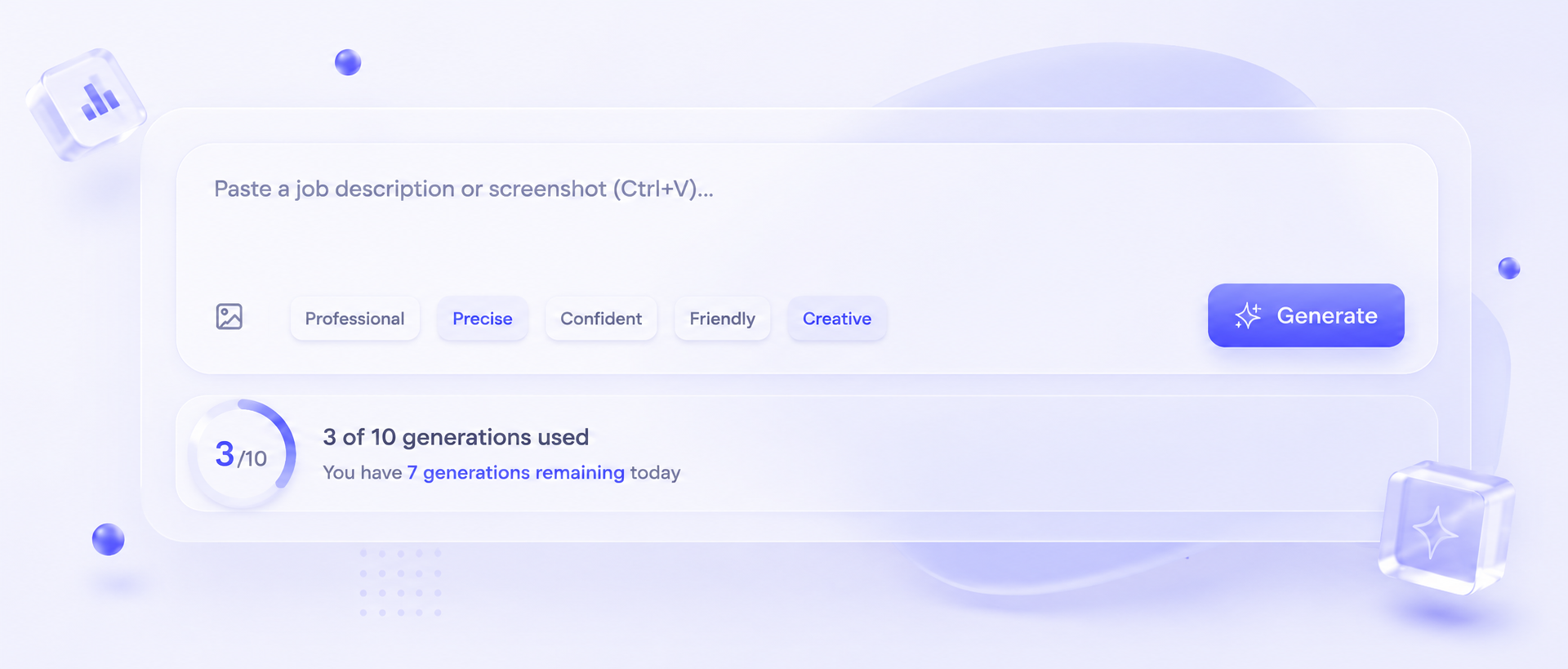
Free tier limit
AI applications included daily
Start today
No credit card required

Avg. draft time
From paste to ready-to-send
Capture from any job board
Extension popup — text or screenshot
Tone presets
Professional, Confident, Friendly + more
Status stages
Pending → Sent → Interview → Rejected
Free tier limit
AI applications included daily
Start today
No credit card required
FAQ
Common
questions.
Start today
Your next interview is
one paste away.
Sign in with Google or Microsoft. No passwords, no credit card. Start applying in under 30 seconds.
No credit card · Gmail & Outlook · Free tier available